

Automatic installation instructions
To replace the demo data with your own data:
-
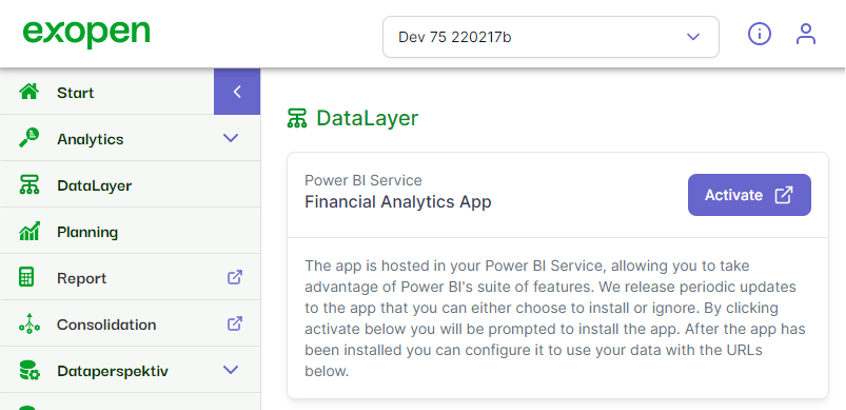
Log into the Exopen portal
-
Navigate to Data Layer
-
Choose Activate in the Financial Analytics App
-
Sign in and continue in the authentication steps when prompted in Power BI
Manual data connect/Parameter update instructions
-
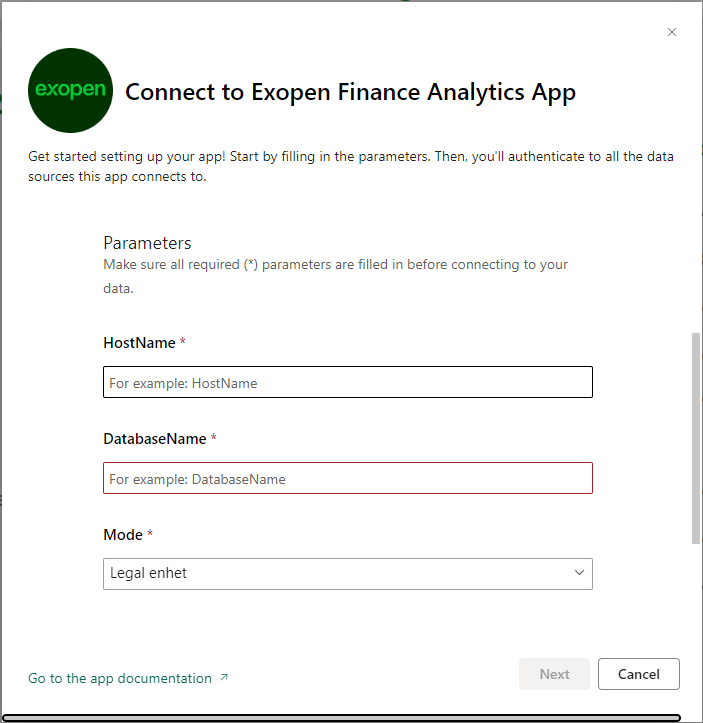
Copy and paste the HostName and DatabaseName provided by Exopen
-
Set the Mode parameter as “Legal enhet” if it is a single company or “Koncern” if it is a corporate group